Introduction
Ask most IT teams how many laptops they own, and you'll get a number. Ask how many of those laptops are actually in use, who has them, and what you're still paying for each one, and the room usually gets quiet.
That gap is what IT asset management is meant to close. This guide explains what ITAM is, why it matters, how the process works across hardware, software, cloud and telecom, and the best practices that separate a tidy spreadsheet from real control.
What is IT asset management?
IT asset management (ITAM) is the practice of tracking every technology asset a company owns or pays for, from purchase to retirement, so you always know what you have, where it is, who uses it and what it costs.
In plain terms: asset management for IT is the single source of truth for your technology estate. Not just a list of devices, but a living record that connects each asset to its owner, its contract and its invoices.
A useful IT asset management definition has three parts:
Inventory: what exists (laptops, servers, licenses, cloud accounts, phone lines).
Lifecycle: where each asset is in its life (requested, in use, idle, retired).
Financials: what each asset costs, under which contract, and whether the bill is right.If your current asset management IT setup only covers the first part, you have an inventory. ITAM is all three.
Why is IT asset management important?
The purpose of IT asset management is simple: you can't control, secure or budget for what you can't see. In practice, that shows up in four places.
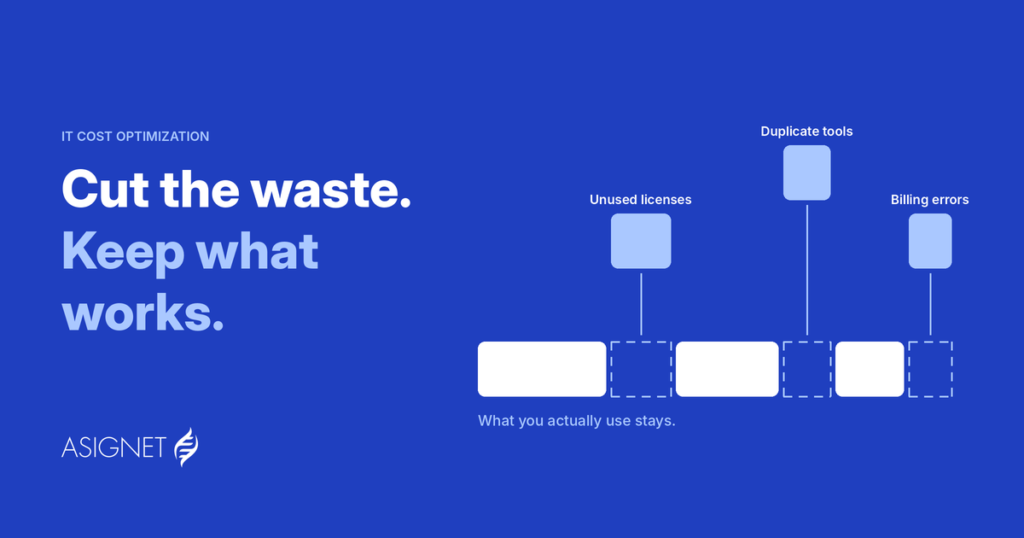
Cost. Idle laptops, unused licenses, phone lines nobody answers and cloud accounts nobody owns all keep billing. Without an inventory tied to invoices, you keep paying for them.
Security. Every unpatched server and forgotten website is an entry point. When a critical vulnerability lands, the first question is always "where are we exposed?" ITAM is how you answer it in minutes, not weeks. The emergency PHP patches of October 2026 were a recent reminder: before anyone could patch, they had to find every server and website running PHP.
Compliance and audits. Software vendors audit license use. Regulators and auditors ask where data lives. A current inventory turns those requests into a report instead of a project.
Planning. Refresh cycles, renewals and budgets are guesses without accurate data on what you have and how it's used.The common thread: ITAM is not a back-office list. It's the foundation for spending, security and planning decisions across IT.
What IT asset management covers
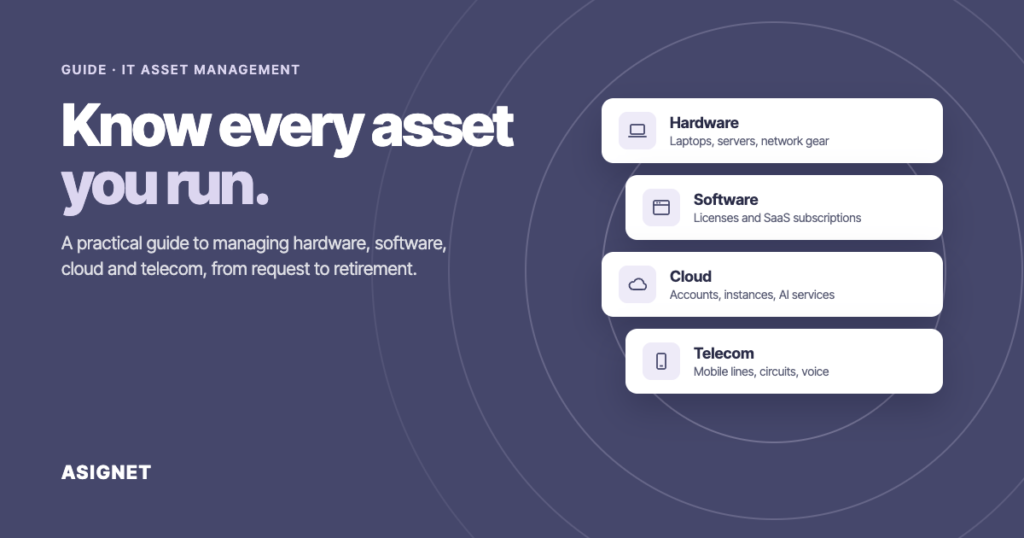
When people hear "IT assets", they usually picture laptops. A modern IT estate is much wider, and most of the money now sits in things you can't touch.
Good ITAM treats all four as one estate. A new hire, for example, triggers a laptop, a dozen licenses, cloud access and a phone line. When that person leaves, all four should be reclaimed together.
IT asset management vs. IT inventory management
The two terms get used interchangeably, but they answer different questions. IT inventory management answers "what do we have?" IT asset management answers "what is it worth to us, what does it cost, and what should we do with it?"
You can't do ITAM without good IT inventory management.
IT hardware inventory management, in particular, is the starting point for most teams: knowing every device, its serial number, its user and its location. ITAM builds on that list and connects it to money and decisions.
Asignet's Technology Lifecycle service is built around that idea: an inventory that follows each asset through its whole lifecycle, with the cost attached.
The IT asset management process
So, what is the IT asset management process in practice? Every asset, a laptop, a license or a phone line, moves through the same six stages. Managing IT assets well means the inventory is updated at each one, not once a year.
1. Plan and request. Someone needs an asset. Check standards, budget and whether an idle one already exists.
2. Acquire. Buy it under an approved contract and record it the day it's ordered.
3.Deploy and assign. Give it an owner, a user and a location.
4.Track and maintain. Follow usage, patches, warranties and the invoices that bill it.
5.Optimize. Reclaim what's idle, right-size plans and licenses, renew only what's used.
6.Retire. Wipe data, dispose securely, and make sure the billing stops too.
The last step is the one most often skipped. An asset that leaves the building but stays on the invoice is still costing you money.See how Asignet manages this inventory lifecycle, from request to retirement, on the Technology Lifecycle page.
IT hardware asset management
IT hardware asset management covers every physical device: laptops, desktops, servers, network equipment, phones and tablets. It's where most ITAM programs start, because hardware is visible, expensive and easy to lose track of.
What good IT asset management hardware practices look like:
Tag and record every device at purchase, not when it reaches a desk. Serial number, model, cost, warranty and assigned user.
Link devices to people and locations. When someone changes teams or leaves, their equipment follows a clear path.
Track warranties and refresh dates, so replacements are planned instead of urgent.
Close the loop at retirement: secure data wiping, disposal certificates and removal from the inventory.
IT hardware asset management software automates most of this: discovery agents find devices on the network, the inventory updates itself, and alerts flag devices that haven't checked in for weeks.
Software, SaaS and cloud asset management
Software is where costs hide. Licenses are bought by many teams, renewed automatically and rarely reclaimed when people leave.
Know what you're entitled to. Keep contracts and license terms next to the inventory, not in someone's inbox.
Compare entitlements with real usage. A license assigned is not a license used.
Reclaim before you renew. Review usage 60 to 90 days before each renewal, not the week of.
Watch cloud like any other asset. Accounts, instances and AI services need owners, budgets and regular reviews.
This is where IT asset management meets spend management. Asignet's SaaS management and cloud expense management connect each subscription and cloud account to its owner and its invoice, so unused services surface before the next bill.
Telecom inventory management: the part most ITAM programs miss
Telecom is IT spend that rarely shows up in an asset tool. Mobile lines, data plans, circuits, internet connections and voice services are bought from many carriers, billed in different formats, and spread across offices and countries.
Telecom inventory management means keeping a live record of every line and service, matched to the person or site that uses it and to the carrier invoice that bills it. Without it, the usual problems pile up:
Lines that keep billing after an employee leaves.
Circuits that stay active after an office closes.
Plans that don't match how people actually use them.
Charges on the invoice for services that aren't in any inventory at all.
This is where Asignet started. Our telecom expense management and mobile expense management keep the inventory of lines, devices and services in sync with each carrier invoice, so every charge can be traced back to a real asset.
Asset management best practices for IT departments
Managing IT assets well is less about the tool and more about habits. These are the practices we see in teams that actually stay in control:
1. Start with one source of truth. One inventory for hardware, software, cloud and telecom. Three spreadsheets and a CMDB that disagree are worse than one imperfect list.
2. Give every asset an owner. A person or a cost center, never "IT". Assets without owners are the ones nobody reclaims.
3. Connect assets to contracts and invoices. If you can't trace a charge to an asset, you can't tell whether you should be paying it.
4. Automate discovery and updates. Manual inventories go stale in weeks. Let agents, integrations and robots keep it current.
5. Tie ITAM to onboarding and offboarding. Every joiner, mover and leaver should trigger the right assets being assigned, moved or reclaimed.
6.Review before every renewal. Licenses, plans and contracts get a usage check before they renew, not after.
7.Plan the end of life. Retirement dates, secure disposal and removal from billing are part of the process, not an afterthought.
8. Measure it. Track a few numbers over time: share of assets with an owner, idle assets, unbilled vs. billed assets, and time to answer "where are we exposed?"
A useful test: pick any line on last month's IT or telecom invoices. Can you name the asset, the owner and the contract behind it in under five minutes? If not, that's where to start.
What to look for in IT asset management software
Most IT asset management software can build a list. The difference is what happens after. These questions help separate the two:
Does it cover hardware, software, cloud and telecom in one place? Separate tools for each category bring back the same blind spots you're trying to remove.
Does it keep itself up to date? Look for automated discovery, integrations with your HR, directory and procurement systems, and a way to pull data from vendor portals that have no API.
Does it connect assets to money? The inventory should link to contracts and invoices, so you can see what each asset costs and spot charges for assets you no longer have.
Does it support the full lifecycle? Requests, provisioning, moves, renewals and retirement, not just a static record.
Can it answer urgent questions fast? "Which servers run this version?" or "Which lines belong to people who left last quarter?" should take a filter, not a project.
Who keeps it running? Some tools are software only. Others come with a team that manages the inventory, disputes and vendor follow-up for you.
How Asignet approaches IT asset management
Asignet's Technology Lifecycle service puts every device, license, line and cloud service in one inventory, and follows each one from request and provisioning to usage, invoice validation and retirement.
What makes it different from a standalone ITAM tool is the link to spend:
Spend-to-asset mapping. Every charge on every invoice is tied to an asset, an owner and a contract.
Waste detection. Unused lines, duplicate licenses and inactive services are flagged so you can reclaim or cancel them.
Robots for vendor portals. Many carriers and providers have no API. Our robots log into their portals to pull invoices and inventory data, so the record stays current.
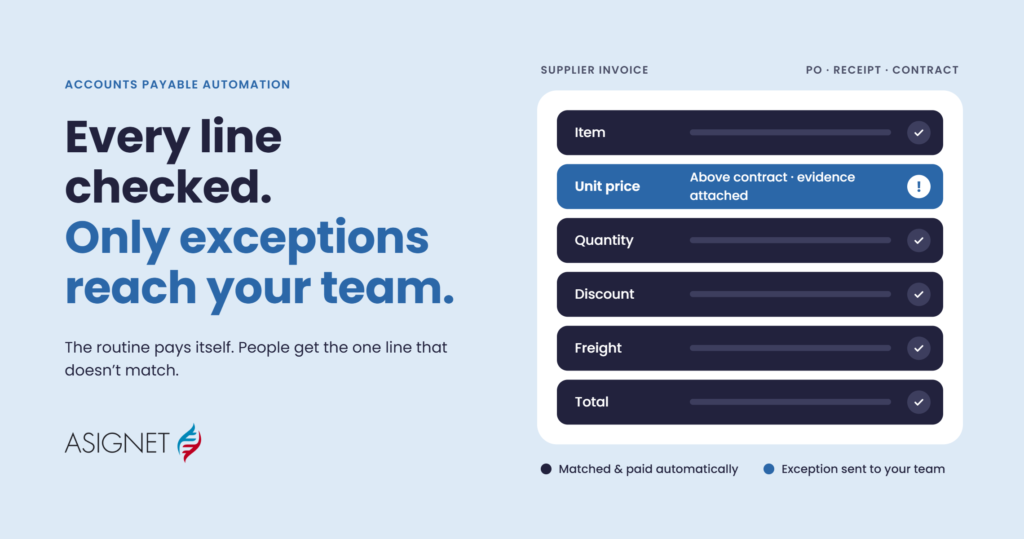
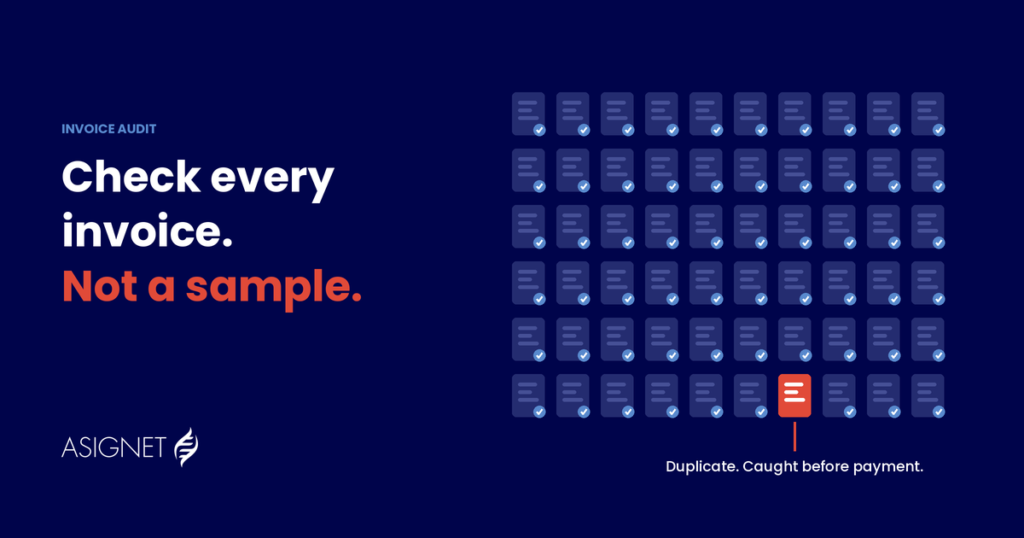
Invoice validation and disputes. Invoice validation checks each bill against the inventory and the contract, and billing errors are disputed with the vendor on your behalf.
One platform covers the whole IT estate: telecom expense management, mobile expense management, SaaS management and cloud expense management.
Getting started doesn't mean a big project. Most teams begin with one category, often telecom or mobile, build a clean inventory, and expand from there. If you'd like to see what's hiding in your current IT estate, get in touch and we'll walk you through it.