Every year, someone asks IT to spend less. And every year, the easy answer is the wrong one: freeze projects, delay the laptop refresh, cut the training budget. Costs go down for a quarter, then come back, usually with interest.
IT cost optimization is the other answer. Instead of cutting what the business needs, it removes what nobody uses, pays only what was agreed and spends the savings where they matter.
These technology cost optimization best practices are the ones that make the biggest difference, starting with the one everything else depends on.
What is IT cost optimization?
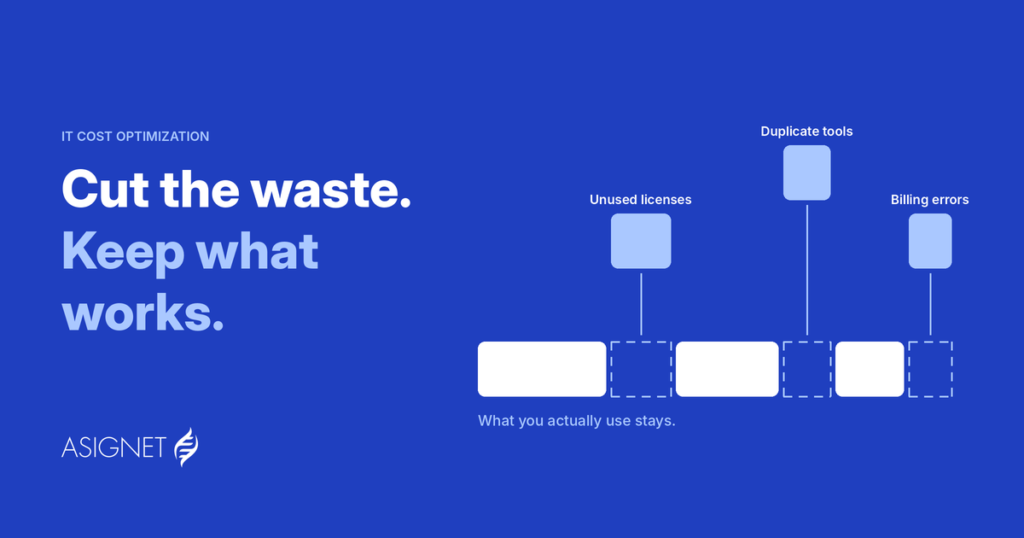
IT cost optimization is the ongoing practice of reducing technology spending while keeping, or improving, the value IT delivers to the business. It focuses on waste: licenses nobody uses, duplicate tools, idle cloud resources, overbilled services and contracts that no longer fit.
The difference from cost cutting is the question you ask. Cost cutting asks, "What can we stop doing?" Technology cost optimization asks, "What are we paying for that doesn't help us?"
Where technology costs hide
| Category | Where the waste usually is |
|---|---|
| Software and SaaS | Unused licenses, duplicate tools, auto-renewals nobody reviewed |
| Cloud | Idle resources, oversized instances, discounts not applied |
| Telecom and mobile | Lines for people who left, wrong plans, rates above contract |
| Hardware | Devices sitting unused in drawers, refreshes done too early or too late |
| Contracts and invoices | Billing errors, expired discounts, services still billing after cancellation |
10 IT cost optimization best practices
1. Start with a complete inventory
You can't optimize what you can't see. List every device, license, subscription, cloud account and telecom line, with an owner and a cost center for each. If you're starting from zero, free IT inventory management software is a reasonable first step for hardware and installed software (more on its limits below). The goal is one inventory for everything, not five spreadsheets.
2. Remove what nobody uses
Unused licenses, idle cloud resources and inactive lines are the fastest savings there are, because nobody notices when they're gone. Review usage and reclaim before anything renews.
3. Consolidate duplicate tools
Three tools doing the same job means three contracts, three renewals and three prices. Pick one, move people over and use the volume to negotiate a better deal.
4. Rightsize, don't just cut
Move users to the plan they actually need: the heavy user to a plan without overage fees, the occasional user to a lighter license. For cloud, match instance sizes to real usage and use commitment discounts where demand is steady.
5. Negotiate with usage data
Vendors negotiate with data. You should too. Knowing exactly how many licenses are used, how much a carrier bills per line and how usage has changed puts you in a much stronger position at renewal.
6. Check every invoice against the contract
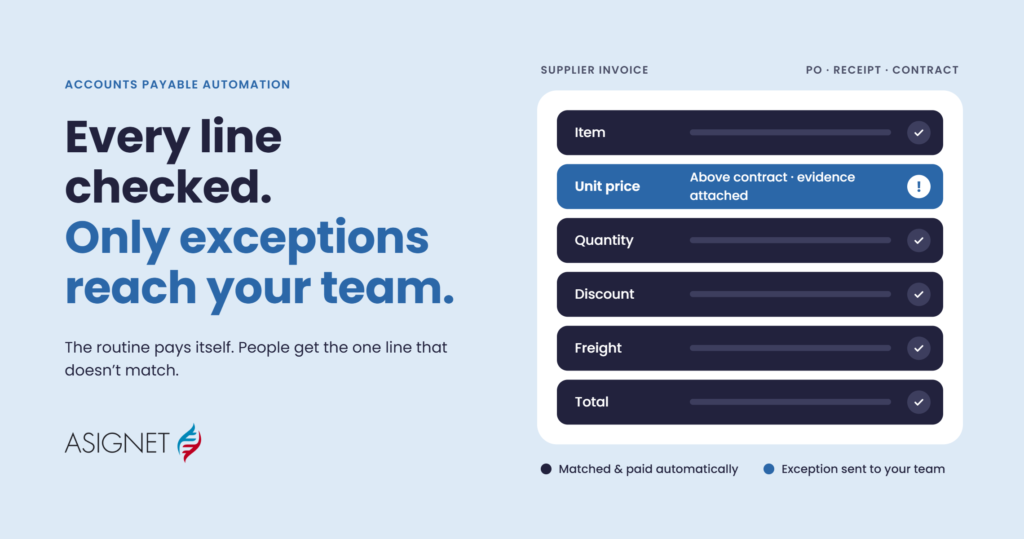
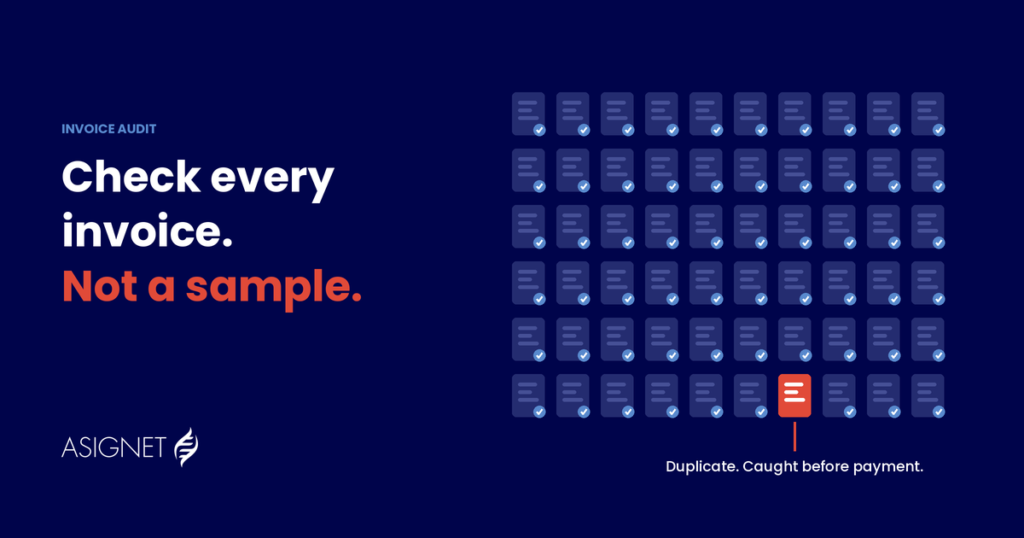
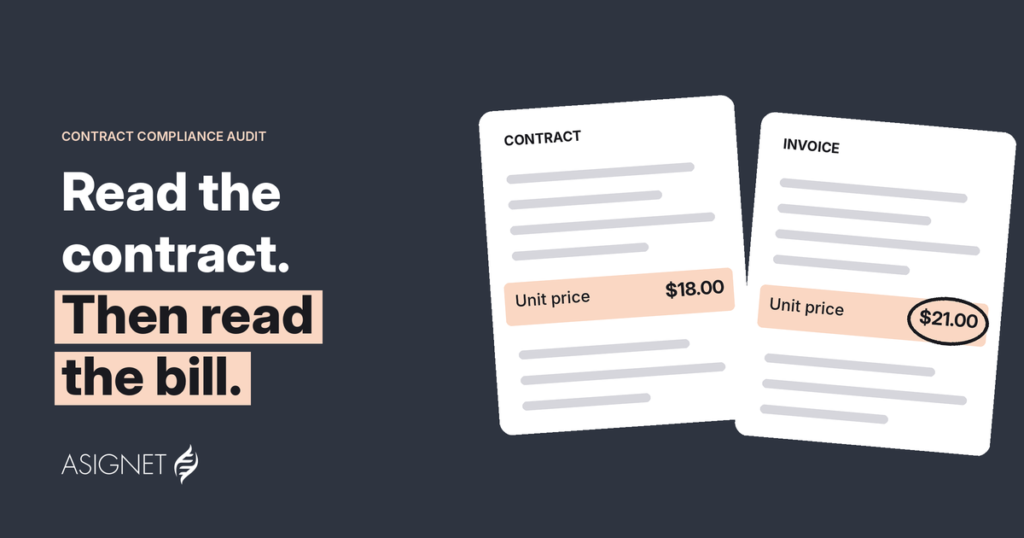
The price you negotiated only matters if it's the price you pay. Check every invoice line against the contract and your inventory, and dispute the differences until the credit arrives. Asignet's Invoice Validation does this for every invoice, and our team handles disputes until the money is back.
7. Reclaim before you buy
Before ordering a new laptop, phone or license, check whether one is already sitting unused. Reassigning is always cheaper than buying.
8. Automate joiners and leavers
Most waste starts when someone leaves and their devices, lines and licenses stay active. Connect IT to HR events so access, assets and costs follow people in and out automatically. Smarter Automation handles onboarding, offboarding and provisioning for you.
9. Give every cost an owner
When each team sees its own technology bill, unused services get noticed fast. Allocate costs to departments, projects and cost centers every month.
10. Make it continuous
Prices change, people move and new tools appear every week. A one-time project finds savings once; a monthly routine keeps them.
Free IT inventory management software: where it helps and where it stops
Free IT inventory management software can be a good starting point, especially for small teams. It's worth knowing what it covers before you rely on it for cost optimization.
| Free inventory tools usually... | But usually don't... |
|---|---|
| Discover devices and installed software on your network | Track SaaS, cloud accounts or telecom lines |
| Show hardware details, warranties and locations | Connect assets to contracts and prices |
| Help with basic audits and asset tagging | Check invoices against what you actually have |
| Work well for a single site or small fleet | Scale easily across countries, carriers and vendors |
| Cost nothing to start | Include a team to run the work, chase disputes or cancel services |
In short, a free tool tells you what you have. Cost optimization needs to know what you have, what it costs and whether you're paying the right amount. That's where a platform like Asignet's Technology Lifecycle comes in.
How to get started
- Build the inventory. Start with whatever tool you have, even a free one, and add SaaS, cloud and telecom.
- Pick the biggest category. Usually telecom, cloud or SaaS, where bills are long and change every month.
- Compare the bill with the inventory. Every line you pay for should match something you use.
- Remove, rightsize and dispute. Cancel what's unused, adjust what's oversized and dispute what's wrong.
- Repeat every month, and move to the next category.
How Asignet helps
Asignet brings inventory, invoices and contracts into one platform, so technology cost optimization becomes a monthly routine instead of a yearly project:
- Technology Lifecycle: one inventory for devices, software, SaaS, cloud and telecom, from order to retirement.
- Invoice Validation: every invoice line checked against your inventory and contracts.
- SaaS Management: unused licenses and duplicate apps found before they renew.
- Cloud Expense Management: cloud bills validated against usage and contracts.
- Telecom Expense Management: every line, plan and charge checked across carriers.
Find out what you're paying for and not using
Asignet compares your inventory, contracts and invoices every month, removes the waste and recovers what you were overbilled. Start with Technology Lifecycle or Invoice Validation.
Frequently asked questions
What is IT cost optimization?
IT cost optimization is the ongoing practice of reducing technology spending while keeping or improving the value IT delivers, by removing waste such as unused licenses, duplicate tools, idle cloud resources and billing errors.
What is the difference between IT cost optimization and cost cutting?
Cost cutting reduces spending by stopping projects or services. IT cost optimization removes waste and fixes what you overpay for, so the business keeps the technology it needs.
What are the best practices for technology cost optimization?
Build a complete inventory, remove what nobody uses, consolidate duplicate tools, rightsize plans and cloud resources, negotiate with usage data, check every invoice against the contract, reclaim before buying, automate joiners and leavers, give every cost an owner and make it a continuous routine.
Is free IT inventory management software enough for cost optimization?
It's a good start for discovering hardware and installed software. For cost optimization you also need SaaS, cloud and telecom in the same inventory, plus contracts and invoice checks, which free tools usually don't cover.
Where should IT cost optimization start?
With a complete inventory, then the category with the biggest and most complex bills, usually telecom, cloud or SaaS.