What AP automation actually means
Ask five vendors "what is AP automation?" and you'll get five answers. Here's a plain one.
Accounts payable automation is the use of software to capture, check, approve and pay supplier invoices with as little manual work as possible. The routine moves to software; people handle only what the software can't resolve.
That's the AP automation meaning in one sentence. In practice, accounts payable automation technology is a stack of a few tools working together:
Capture: reading invoices from email, PDF, paper scans and supplier portals.
Matching and rules: checking each invoice against the purchase order, the receipt and the contract.
Workflow: routing invoices and exceptions to the right approver.
Payment: scheduling and paying, then reconciling with the bank.
So what is AP automation software? It's the platform that runs all four, end to end. The real difference between products is depth: some only read the invoice total, others check every line.
How AI changed the AP process
Automation in accounts payable didn't arrive all at once. First came scanning and OCR, optical character recognition, the software that reads the text in a scan or PDF and turned paper into data. Then workflow tools routed invoices to approvers. Then robots (RPA) started logging into supplier portals to download invoices nobody wanted to fetch by hand.
AI is the latest step, and it changed the hardest part: the messy middle. When a new supplier shows up with an invoice layout nobody has seen, AI can learn that layout and build the reader for it in minutes, a setup job that used to take days. AI also helps match a product called one thing on the purchase order and another on the invoice.
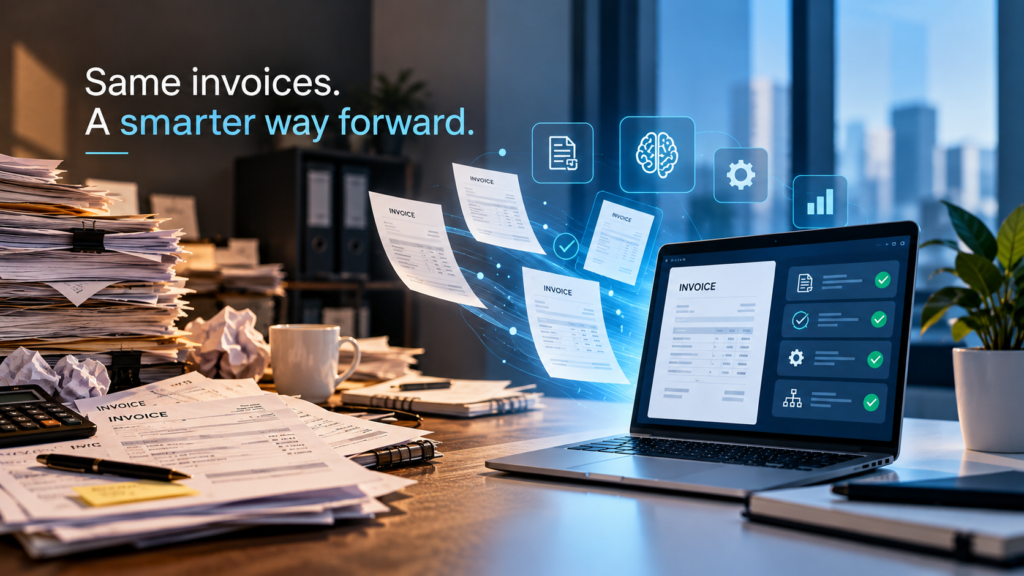
So how do you process invoices in AP automation today? The invoice is captured from wherever it arrives, read line by line, and matched against the purchase order, the receipt and the contract. If every line agrees, it goes straight to approval and payment. If one doesn't, a person gets that single exception, with the evidence attached. That's accounts payable process automation in practice: AP invoice automation for the routine, people for the judgment calls.
One thing AI didn't change: finance still needs the same document to give the same answer every time. A model that reads an invoice slightly differently on Tuesday than it did on Monday doesn't pass an audit. That's why the strongest accounts payable workflow automation uses AI to set things up, then reads every invoice with fixed, written rules, and uses the same kind of rules for the checks that decide what gets paid.
Why AP automation, and who benefits
The numbers behind the benefits of AP automation are hard to ignore. Ardent Partners found that teams without best-in-class automation spent an average of $12.88 and 17.4 days to process a single invoice. Best-in-class teams did it for $2.78 in 3.1 days (Bottomline / Ardent Partners, 2024).
But the biggest accounts payable automation benefits aren't only speed and cost:
Fewer overpayments. When every line is checked, prices above contract, goods never received and duplicate charges get caught before payment, not after.
Better control. Every invoice follows the same rules, with a record of every check and approval.
A clearer view of cash. Finance sees what's owed and when, in real time.
Happier suppliers. Accurate, on-time payments mean fewer "where's my money?" emails.
So who benefits from AP automation? The CFO gets lower costs and fewer surprises. The AP team stops typing and starts analyzing. Procurement finally sees whether suppliers bill what was agreed. And suppliers get paid on time.
Choosing an AP automation solution, without regrets
Choosing AP automation software is easier when you ignore the demo and look at your own invoices. A few questions that separate the tools:
Does it check every line, or just the total? Most overbilling hides in single lines.
Can it reach invoices that live in supplier portals? Telecom, cloud and utility bills often do.
Does it work with your ERP as it is? Replacing the ERP to automate AP rarely makes sense.
Does it cover payments too? AP and payment automation together closes the loop from invoice to bank.
Can it grow into AR? AP AR automation on one platform gives you one view of cash in and cash out.
And once you've chosen, a few AP automation best practices make the difference between a tool and a result:
1. Measure before you start: cost per invoice, cycle time, exception rate.
2. Start with one flow, like one supplier group or one spend category, and expand from there.
3. Clean your supplier and contract data, because matching is only as good as what it matches against.
4. Keep people on the exceptions, with clear owners and evidence for every flag.
The bottom line
Automation in AP isn't about replacing the team. It's about giving them back the hours they spend typing and chasing, and pointing that time at the invoices that actually need a human.
That's how Asignet approaches it. Our invoice validation and AP automation uses AI to build a reader for each new invoice layout, then reads every invoice with WAYFAST AI, our own technology. It checks every line against the purchase order, the receipt or the contract, and sends only the differences to your team, each with its evidence. Robots pull invoices from supplier portals with no API, and Business Spend Management brings every supplier onto the same platform.
Curious what a line-by-line check would find in your own invoices? Book a demo and we'll show you.