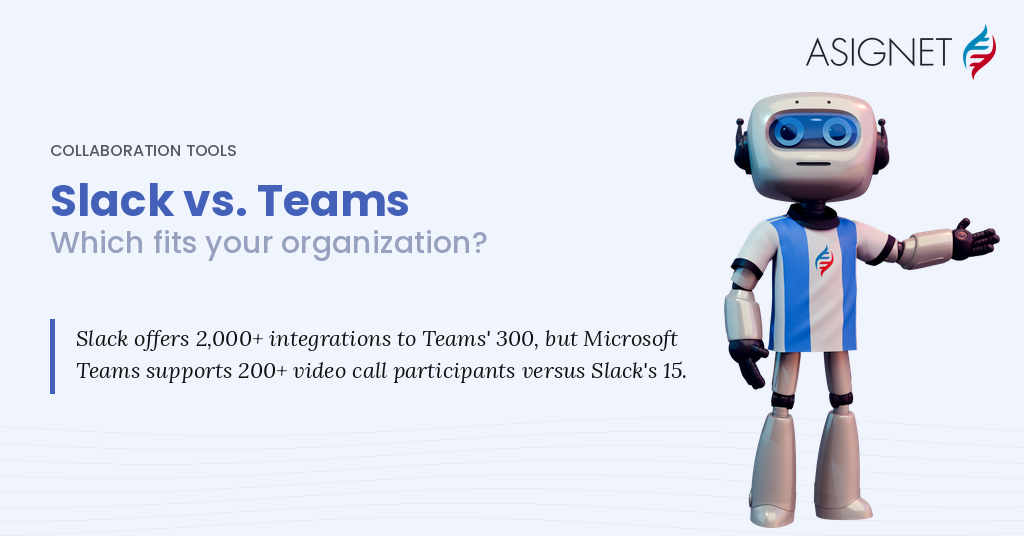
The main difference between Slack and Microsoft Teams is value versus focus. Microsoft Teams is included in Microsoft 365 business plans, so for a similar per-user price you also get email, Office apps and file storage. Slack is a dedicated messaging and collaboration platform that many teams find faster and easier to use, and it connects with thousands of third-party apps.
The shift to remote and hybrid work has made online collaboration tools like Slack and Microsoft Teams essential for teams of all sizes. Both make it simple to set up channels for different purposes, both offer free versions, and both integrate with many third-party services. The two platforms share a lot of similarities, but there are differences you should know before deciding which is best for your team.
Slack vs. Microsoft Teams at a Glance
| Feature | Slack | Microsoft Teams |
|---|---|---|
| Best for | Teams that want fast, lightweight messaging and many app integrations | Organizations already using Microsoft 365 |
| Free version | 90 days of message history, 1:1 huddles, up to 10 apps | 60-minute group meetings with up to 100 people, 5 GB storage |
| Cheapest paid plan (annual) | Pro, $7.25/user/month | Teams Essentials, $4/user/month |
| Group video | Huddles with up to 50 people (25 on video) | Meetings with up to 300 people on business plans |
| Max file upload | 1 GB per file | Up to 250 GB per file (stored in SharePoint/OneDrive) |
| Built-in phone system | No | Yes, with Teams Phone |
| Working with other companies | Slack Connect shared channels | Shared channels and guest access |
| AI | AI summaries on Pro; Slackbot AI agent on Business+ | Copilot Chat included; Microsoft 365 Copilot is a paid add-on |
Slack vs. Microsoft Teams: Features
Slack and Microsoft Teams are both great options for collaboration. On both, you can share documents and screens, hold video and voice calls, and set up group or private chats. Both also connect with a wide range of essential business applications. Despite these similarities, there are some significant differences.
Slack is better suited to companies looking for a more lightweight, focused option. Microsoft Teams offers more features, but it can feel overwhelming for new users and companies that don’t already use Microsoft 365.
Slack is also simpler to set up and use, while Microsoft Teams is built with larger businesses and organizations in mind. As a result, Teams setup is more involved, with more administrative and security controls, and it integrates more deeply with Microsoft 365 applications.
Microsoft Teams is a more comprehensive unified communications (UCaaS) solution: with Teams Phone, it can also serve as a full business phone system. Slack doesn’t include a phone system, but it excels at communication between companies through Slack Connect, which lets you share channels with partners, vendors and customers. Slack is also owned by Salesforce, which makes it especially useful for organizations already on that platform.
Slack vs. Microsoft Teams: Video Meetings
Both Slack and Microsoft Teams let you hold one-to-one or group video calls. However, Slack’s video experience is much simpler than what you get in Microsoft Teams.
In Teams, video and audio quality is excellent, and users can switch from chat to a video or audio call with one click. Teams meetings can be recorded and transcribed for later playback. You can also change virtual backgrounds, choose from several layouts, and use Together mode, which places participants in a shared virtual space. Teams business plans support meetings of up to 300 people, and enterprise plans support up to 1,000.
Slack uses huddles for live audio and video. On the free plan, huddles are limited to two people. On paid plans, huddles can include up to 50 people, with up to 25 on video at once. Many Slack users rely on an integrated video app, such as Zoom, for larger or more formal meetings.
Beyond video, both platforms share many features. You can send GIFs and emoji, chat in groups or one-on-one, share files and connect a variety of productivity tools.
Slack vs. Microsoft Teams: User Experience
Both platforms handle basic communication equally well. You can tag other users, start private conversations and switch between channels.
Slack lets you customize its look with a wide range of themes. Microsoft Teams offers fewer options:
- A standard light theme.
- A dark theme.
- A high-contrast theme for users with visual impairments.
Slack also has a powerful search for quickly finding messages and files, and starting a new channel or conversation is simple. Installing Slack integrations is quick and easy, which makes it a strong choice for growing teams.
Slack vs. Microsoft Teams: Integrations
Microsoft Teams is a Microsoft product, so it naturally works well with Microsoft 365. If you regularly use OneNote, SharePoint, Planner or Power BI, connecting them with Teams is easy. Teams also connects with many third-party apps.
Slack’s strength is its large app marketplace, with thousands of integrations across sales, engineering, support and project management tools. Its paid plans have no limit on the number of apps you can connect, while the free plan allows up to 10.
Slack vs. Microsoft Teams: File Sharing and Collaboration
Slack allows files of up to 1 GB each. Microsoft Teams stores files in SharePoint and OneDrive, which support individual files of up to 250 GB.
Collaborating on files is also easier in Teams. You can open, co-edit and comment on Word, Excel and PowerPoint files and play videos without leaving the app. In Slack, files can be previewed and discussed in threads, and Slack canvases provide shared documents inside channels, but editing Office files usually means opening them in their own app.
Slack vs. Microsoft Teams: Pricing
Both Microsoft Teams and Slack have free and paid versions. To get the most out of either tool, a paid plan is recommended.
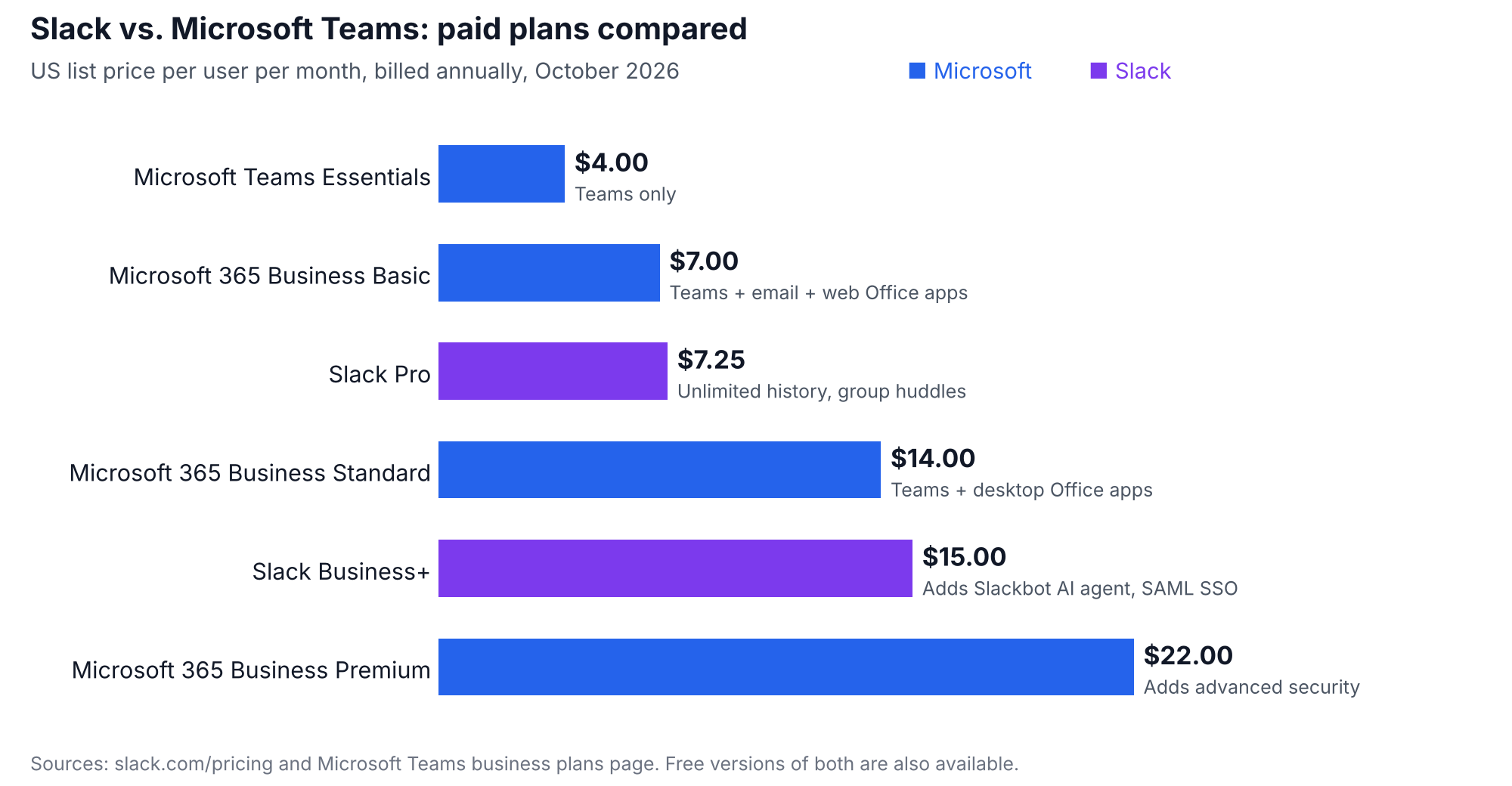
Slack pricing plans (per user per month, billed annually):
- Free
- Pro: $7.25 ($8.75 billed monthly)
- Business+: $15 ($18 billed monthly)
- Enterprise+: contact sales for a custom quote
Microsoft Teams pricing plans (per user per month, billed annually):
- Microsoft Teams (free)
- Microsoft Teams Essentials: $4
- Microsoft 365 Business Basic: $7
- Microsoft 365 Business Standard: $14
- Microsoft 365 Business Premium: $22
On pricing, Microsoft 365 Business Basic stands out as a strong value: for $7 per user per month, users get Teams plus business email, web versions of the Office apps and 1 TB of cloud storage, compared with $7.25 for Slack Pro on its own. Prices are US list prices as of October 2026; check Slack and Microsoft for the latest.
Which Is the Better Option: Slack or Microsoft Teams?
Teams and Slack are comparable in functionality, which has led to plenty of debate about which is better.
Slack works best as a fast, focused tool for message-based collaboration, both inside the company and with partners. Microsoft Teams is a more comprehensive UCaaS solution, with built-in calling options and deep integration with the Microsoft 365 apps many businesses already pay for.
Slack is a great choice for teams that value ease of use and a wide range of integrations, and it is a natural fit for organizations that run on Salesforce. Microsoft Teams offers more advanced communication capabilities and is often the better value for organizations already on Microsoft 365.
Whichever you choose, keep an eye on licenses. Many organizations end up paying for both platforms, or for seats nobody uses. Asignet helps you monitor and manage collaboration licenses across your organization, using hyperautomation to find unused and duplicate seats and save money.
Talk to Asignet about managing your collaboration software costs.