Introduction
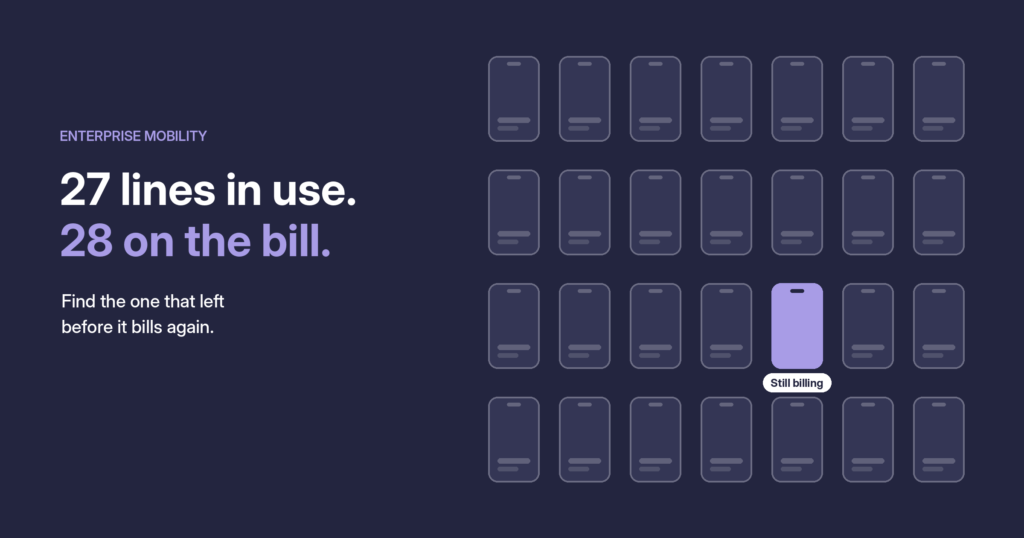
Count the phones in your company. Now count the SIM cards, the data plans, the tablets in the warehouse, the hotspot someone ordered for a trade show three years ago. The second number is almost always bigger than the first, and every item on that list shows up on a bill.
Mobile has quietly become one of the hardest parts of IT to keep under control. Devices are spread across offices, homes and countries. Plans come from several carriers. People join, move and leave every week. And the invoices that tie it all together are long, inconsistent and easy to pay without reading.
This guide explains what enterprise mobility management is, what it covers, how the expense side fits in, and when it makes sense to hand it to a managed service.
What is enterprise mobility management?
Enterprise mobility management (EMM) is the practice of providing, securing, supporting and paying for the mobile devices and services a company’s people use for work, across their whole lifecycle.
It answers four questions, for every device and every line:
- Who has it? Which employee, team and location each device and line belongs to.
- Is it secure? Whether the device follows company policy and can be locked or wiped if it’s lost.
- Is it working? Whether the user has the right plan, the right apps and someone to call when something breaks.
- Are we paying the right amount? Whether each charge on the carrier invoice matches a real, active line on the right plan.
Most companies are good at the first three and weak at the fourth. That’s where the money leaks.
What enterprise mobility management covers
EMM is often confused with mobile device management (MDM), the software that pushes security policies to phones. MDM is one piece. A full program covers five areas:
| Area | What it includes | Who usually owns it |
|---|---|---|
| Devices | Phones, tablets, hotspots, rugged devices, accessories | IT |
| Lines and plans | SIM cards, eSIMs, voice and data plans, international roaming | IT or procurement |
| Security | Device policies, encryption, remote lock and wipe, app control | IT security |
| Support | Help desk, repairs, replacements, lost and stolen devices | IT or a managed service |
| Expenses | Carrier invoices, plan costs, allocation to cost centers, disputes | Finance and accounts payable |
The first four are usually well covered. The fifth, expenses, sits between IT and finance, and that’s exactly why it’s so often nobody’s job.
Enterprise mobile expense management: where the money leaks
Enterprise mobile expense management (enterprise MEM) is the part of EMM that makes sure you pay only for the lines, devices and plans you actually use, at the price you agreed.
It matters because mobile bills are built to be hard to check. A large company can get monthly invoices from several carriers, each with hundreds or thousands of lines, its own format and its own way of naming plans and fees. Accounts payable sees a total, approves it and moves on. The usual leaks hide inside:
- Zombie lines. An employee leaves, the phone goes in a drawer, and the line keeps billing for months.
- Wrong plans. A user on an unlimited international plan who never travels, or a heavy user on a plan that triggers overage fees every month.
- Rates that drift. The contract says one price; the invoice says another, a little higher, and nobody compares them.
- Charges for nothing. Equipment installments that should have ended, features no one asked for, taxes on the wrong location.
- Lost devices still billing. A stolen phone is suspended for security, but the line is never cancelled.
What the AP side should check
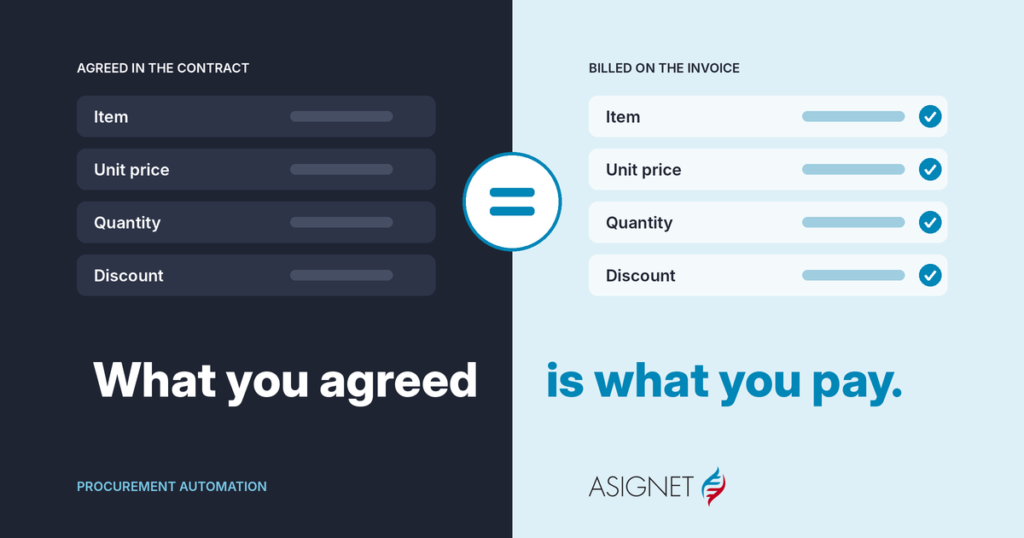
The fix is to stop approving the total and start matching each invoice line against two other sources:
| Source | What it tells you |
|---|---|
| The carrier invoice | What the carrier is charging, line by line |
| Your inventory | Which lines are active, who uses them and on which plan |
| The contract | The rates, plans and discounts you agreed to |
When all three agree, the invoice goes to payment, already split by cost center. When they don’t, the difference becomes a dispute with the carrier, with the evidence attached. This is the same discipline AP applies to any supplier, adapted to mobile bills.
The mobile lifecycle: the device and the bill
Every device goes through the same life: requested, ordered, set up, used, handed back, retired. The trouble is that the bill has its own life, and the two drift apart. A device is returned, but its line keeps billing. A user changes roles, but their plan stays the same.
Good enterprise mobility management keeps both lives in step.
Every step in a device’s life should change the bill too
The deviceThe billRequestPlan chosen from the listOrderLine starts billingProvisionAssigned to a cost centerUseEach invoice line checkedUser leavesLine cancelled the same weekRetireBilling stops, device wiped
The highlighted step is where zombie lines start.
The most expensive gap is when someone leaves. The device comes back, but if nobody cancels the line, it bills for months. That’s where most zombie lines begin.
Enterprise mobility management best practices
- Keep one inventory for devices and lines. Every phone, SIM and plan in one place, tied to a person, a cost center and a carrier account. If the inventory and the invoice disagree, one of them is wrong.
- Write a simple mobile policy. Who gets a device, which plans are allowed, what happens with personal use, and what’s expected when someone leaves. A one-page policy that people follow beats a long one nobody reads.
- Standardize devices and plans. A short list of approved models and a few plan types make ordering, support and invoice checks much easier.
- Connect mobility to HR events. Joiners get a device on day one; leavers trigger a device return and a line cancellation in the same week, not three months later.
- Review usage before you renew. Look at real data and voice use every quarter and move people to the plan that fits them.
- Check every invoice line. Match carrier charges against your inventory and contract every month, and dispute differences until the credit arrives.
- Allocate costs to cost centers. When each team sees its own mobile bill, unused lines get noticed fast.
- Plan the end of life. Wipe data, recycle or resell the device, and make sure the line is cancelled, not just suspended.
In-house or enterprise mobility managed services?
Many companies start by running mobility in-house. It works until the fleet grows, a second carrier appears, or the person who knew how everything worked leaves. That’s usually when enterprise mobility managed services come up: an outside team that runs the day-to-day work, while IT keeps the decisions.
A typical split looks like this:
| Task | IT team | Managed service |
|---|---|---|
| Mobile policy, budget and approvals | Owns | Supports |
| Ordering and provisioning devices | Approves | Does |
| Carrier plan changes | Approves | Does |
| Help desk, repairs, lost and stolen devices | Escalation | Does |
| Invoice validation and carrier disputes | Reviews results | Does |
| Device recycling and line cancellation | Approves | Does |
| Reporting | Uses | Prepares |
Managed services make most sense when you have several carriers or countries, a large fleet that changes often, or an IT team that would rather spend its time on projects than on SIM swaps. Running it in-house can work well for a small, stable fleet with one carrier.
Either way, keep two things in your own hands: the policy and the data. You should always be able to see your full inventory and every invoice, whoever runs the work.
How Asignet approaches enterprise mobility management
Mobile and telecom are where Asignet started. Our mobile expense management keeps devices, lines and plans in one inventory, and compares every carrier charge with what each user actually has, so you pay only for what your people use.
- One inventory. Devices, lines, plans and users across carriers and countries, managed through Technology Lifecycle from ordering and provisioning to retirement.
- Every line checked. We use AI to build a reader for each new invoice layout, then read every carrier invoice with WAYFAST AI, our own technology, and check each line against your inventory and contract through invoice validation.
- Robots for carrier portals. Robots log into carrier portals to pull invoices and usage data where there’s no integration.
- Disputes handled for you. Our team runs disputes with the carrier, end to end, until the credit comes back.
- Managed services. We handle the day-to-day work, while your IT team keeps the policy and the decisions.
Mobile rarely lives alone, so the same platform covers fixed telecom expense management as well.
Start with one carrier. Pick your largest mobile bill and check it line by line against your inventory. If you’d like help with the first one, book a demo.
Frequently asked questions
What is enterprise mobility management?
Enterprise mobility management is the practice of providing, securing, supporting and paying for the mobile devices and services employees use for work, across their whole lifecycle.
What is the difference between EMM and MDM?
Mobile device management (MDM) is software that applies security policies to devices. EMM is the wider program: devices, lines, plans, support, security and expenses.
What is enterprise mobile expense management?
Enterprise mobile expense management (enterprise MEM) makes sure you pay only for the lines, devices and plans you use, at the agreed price, by checking carrier invoices against your inventory and contracts.
What are enterprise mobility managed services?
A service where an outside team runs the day-to-day work of mobility, such as ordering, support, invoice validation and disputes, while the company’s IT team keeps the policy and decisions.
How should accounts payable handle mobile invoices?
Match each invoice line against the active line inventory and the contract rates instead of approving the total. Pay what matches and dispute the rest with evidence.