Nobody decides to have three project management tools. It happens one team at a time. Marketing signs up for one, engineering already had another, and a new manager brings a third from her last job. Each one renews automatically, on a different card, on a different date.
Multiply that by every department and every year, and you get the SaaS stack most companies actually have: bigger than anyone thinks, harder to see than it should be, and growing faster now that AI tools are part of it.
This guide explains what SaaS subscription management is, how to tell whether you need a tool for it, what that tool should do, and how AI tools and agents are changing the picture.
What is SaaS subscription management?
SaaS subscription management is the practice of tracking, controlling and optimizing every software-as-a-service subscription a company pays for: who bought it, who uses it, what it costs, and when it renews.
It answers four questions for every app:
- Do we have it? Every subscription, including the ones bought on a personal or team card.
- Who uses it? Which people have a license, and which of them actually log in.
- What does it cost? The price per seat, the number of seats and the contract terms.
- What happens next? When it renews, and whether it should.
Do you need a SaaS subscription management tool?
Not always. A small company with a few apps, bought by one person, can manage them in a spreadsheet. The question is when that stops working, and it usually stops quietly.
You need a tool when nobody can say who uses what
A spreadsheet is enough when…
- You have a handful of SaaS apps
- One person buys all of them
- Renewals fit on one calendar
- Few people join or leave
- Every invoice is easy to check
You need a tool when…
- Teams buy apps on their own cards
- People join, move and leave every month
- Renewals arrive as surprises
- AI tools show up on expense reports
- Nobody can say who uses each license
- Invoices don’t match the seats you use
Two or more signs on the right usually mean a spreadsheet is already costing you money.
If you recognize two or more signs on the right, a spreadsheet is probably already costing you money. Not because spreadsheets are bad, but because nobody can keep one current when apps, people and prices change every week.
The clearest test: pick five apps at random and try to answer, in ten minutes, how many licenses you pay for, how many are used and when each one renews. If you can’t, you need a tool.
What a SaaS management platform should do
A good SaaS management platform does more than list your apps. It should:
| Capability | What it means in practice |
|---|---|
| Discover every app | Find subscriptions through integrations, finance data and expense reports, including the ones IT never approved |
| Track licenses and users | Know who has each seat and whether they use it |
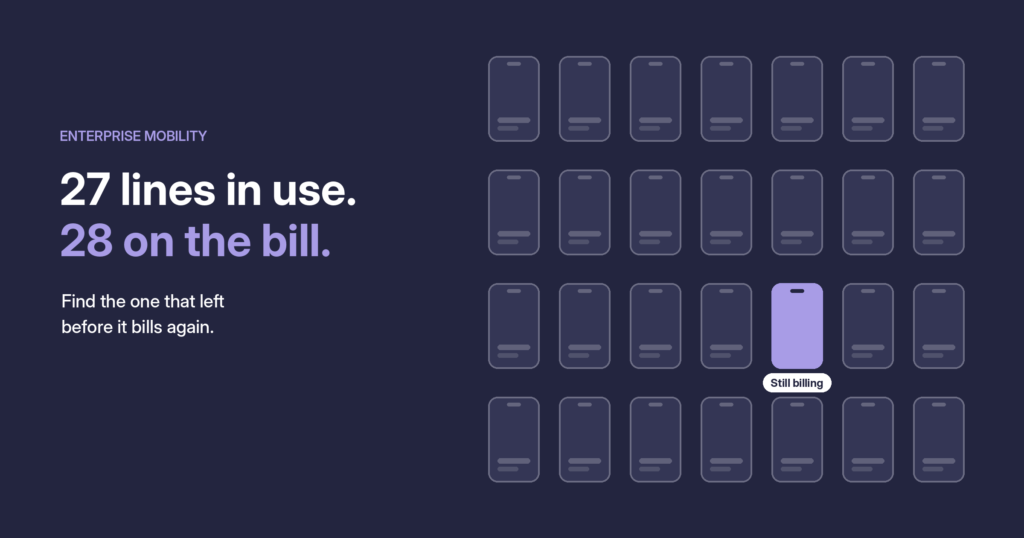
| Flag waste | Surface unused licenses, duplicate apps and subscriptions nobody needs |
| Automate joiners and leavers | Give access on day one and remove it, with the license, when someone leaves |
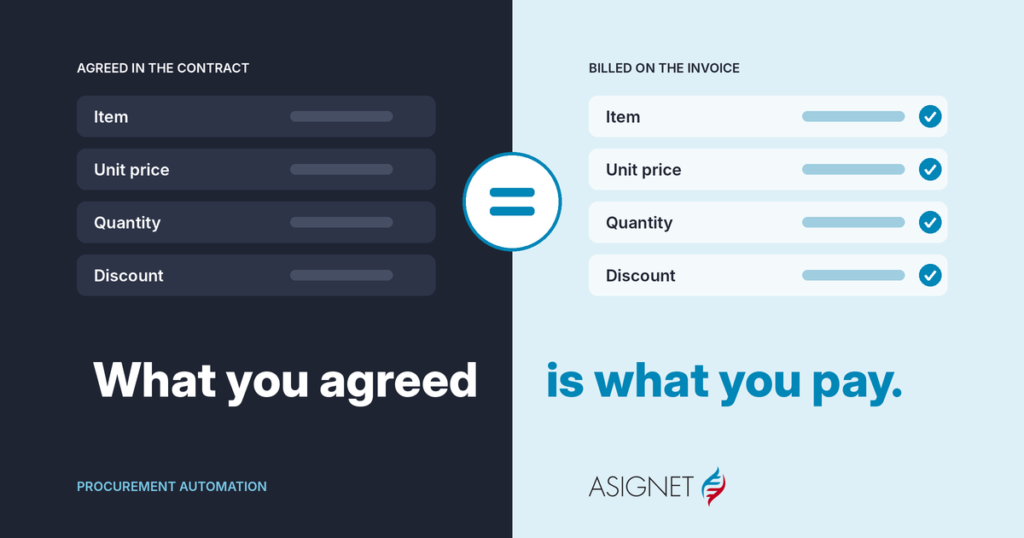
| Validate invoices | Check each SaaS invoice against the contract, the license count and the people assigned |
| Track contracts and renewals | Keep terms and renewal dates where the people who decide can see them |
The last two are the ones most tools skip, and they’re where the money is. A license you don’t use is waste; a license you’re billed for twice is an error.
AI tools and agents: the new line on the SaaS bill
AI has made SaaS subscription management harder in three ways.
AI tools spread faster than any app before them. Employees can sign up for an AI assistant in a minute, on their own card, and expense it. The same tool can end up bought by ten people in ten teams, each paying full price.
AI pricing doesn’t look like seat pricing. Many AI services bill by usage, credits or tokens, not by user. A bill can double in a month without a single new license, so checking seats alone isn’t enough.
Agents are becoming users. AI agents now log in to apps, call APIs and run tasks on their own. Each one may need its own access, license or usage budget, and someone has to decide which agents are allowed and what they cost.
The good news is that the same technology helps. AI-driven agents can handle routine requests, like provisioning a license or removing access, through the same approval rules your team already uses. The rule of thumb: let agents do the routine work, and keep people on the decisions about what to buy.
SaaS subscription management best practices
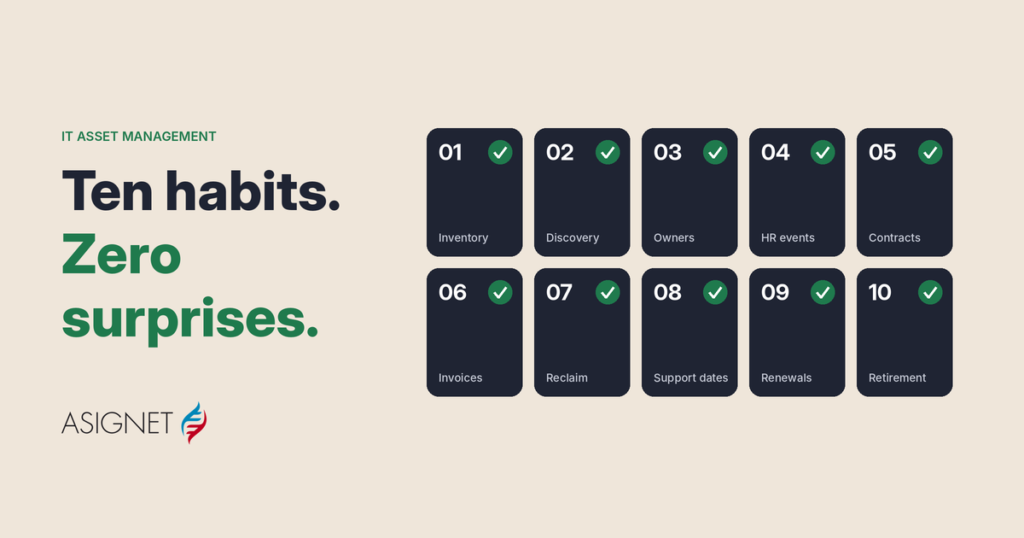
- Find everything first. Combine integrations, finance data and expense reports. Shadow IT and AI tools bought on cards are usually the biggest surprise.
- Give every app an owner. A person who decides whether it renews.
- Consolidate duplicates. Three tools doing the same job means three contracts, three renewals and three prices.
- Connect SaaS to HR events. New hires get access on day one; leavers lose access and free their license the same day.
- Review usage before every renewal. Decide on real logins, not on last year’s seat count.
- Check the invoice, not just the license count. Compare each charge with the contract and the people actually assigned.
- Set rules for AI tools and agents. Which ones are approved, who can buy them, and how usage-based costs are tracked.
How Asignet manages SaaS subscriptions
Asignet’s SaaS Management brings discovery, lifecycle workflows and invoice validation into one platform:
- Discovery of authorized and unauthorized SaaS across the organization, through integrations, financial data and automation.
- License tracking of users, license counts and subscription assignments.
- Waste detection of unused licenses, duplicate applications and unnecessary subscriptions.
- Onboarding and offboarding automated, with provisioning handled through workflows or AI-driven agents, as part of Smarter Automation.
- Invoice validation against contracts, licenses and assigned users, through invoice validation.
- Robots that manage SaaS platforms and vendor portals directly, with RPA as a Service.
SaaS rarely lives alone, so the same platform covers cloud expense management for usage-based AI and cloud services.
Start with your top ten apps. Compare licenses paid with licenses used, and check each one’s renewal date. If you’d like help, book a demo.
Frequently asked questions
What is SaaS subscription management?
SaaS subscription management is the practice of tracking, controlling and optimizing every SaaS subscription a company pays for: who bought it, who uses it, what it costs and when it renews.
Do I need a SaaS subscription management tool?
You probably do if several teams buy their own apps, people join and leave often, renewals catch you by surprise, AI tools appear on expense reports, or you can’t say who uses each license. A small company with a few apps bought by one person can start with a spreadsheet.
What is the difference between SaaS subscription management and a SaaS management platform?
SaaS subscription management is the practice. A SaaS management platform is the software that runs it: discovery, license tracking, automation, invoice validation and renewals in one place.
How do AI tools affect SaaS subscription management?
AI tools spread quickly through card purchases, often bill by usage instead of by seat, and AI agents can need their own access. That makes discovery, usage tracking and invoice checks more important.
How often should SaaS subscriptions be reviewed?
Check invoices every month and review usage before every renewal. A full review of the SaaS stack once or twice a year helps catch duplicates.