Most IT asset management problems don't start with a bad tool. They start with small habits that slip: a laptop nobody logs, a license nobody cancels, a contract nobody reads before it renews.
The good news is that the fix is also a set of habits. These ten IT asset management best practices are the ones that make the biggest difference, and none of them needs a big project to start.
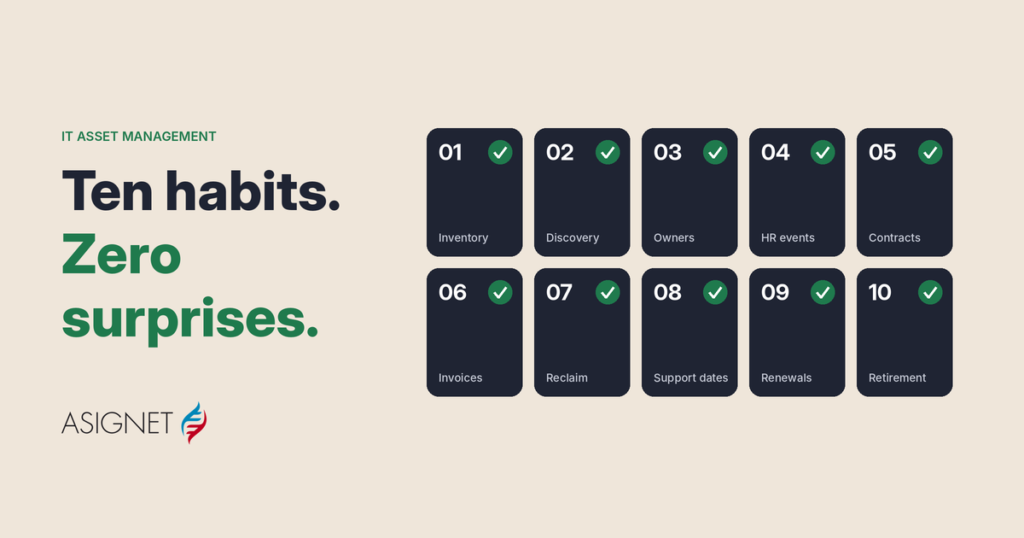
The 10 IT asset management best practices
The best practices of IT asset management all serve one of three goals: know what you have, control what it costs, and keep it current.
Ten IT asset management best practices serve three goals
Every asset known, paid for correctly and kept current
- 1One inventory for everything
- 2Automated discovery
- 3An owner for every asset
- 4Assets linked to HR events
- 5Every asset tied to its contract
- 6Invoices checked against inventory
- 7Reclaim before you buy
- 8End-of-support dates tracked
- 9Usage reviewed before renewal
- 10Assets retired completely
Foundation: one platform for hardware, software, SaaS, cloud and telecom
Know what you have
1. Keep one inventory for everything. Hardware, software, SaaS, cloud and telecom in one place. Five spreadsheets owned by five teams will never agree with each other, or with the bills.
2. Automate discovery. An inventory updated by hand is out of date the day after it's built. Let tools find devices, software and cloud resources on their own, and use people to fix what's flagged.
3. Give every asset an owner. Every asset needs a person who uses it, a team that pays for it and a cost center it belongs to. An asset with no owner is an asset nobody will cancel.
4. Link assets to HR events. Joiners get their devices and licenses on day one. Movers keep what they need and return the rest. Leavers trigger a return and a cancellation in the same week, not three months later.
Control what it costs
5. Tie every asset to its contract. Price, term, renewal date and support level should live next to the asset, not in a PDF in someone's inbox.
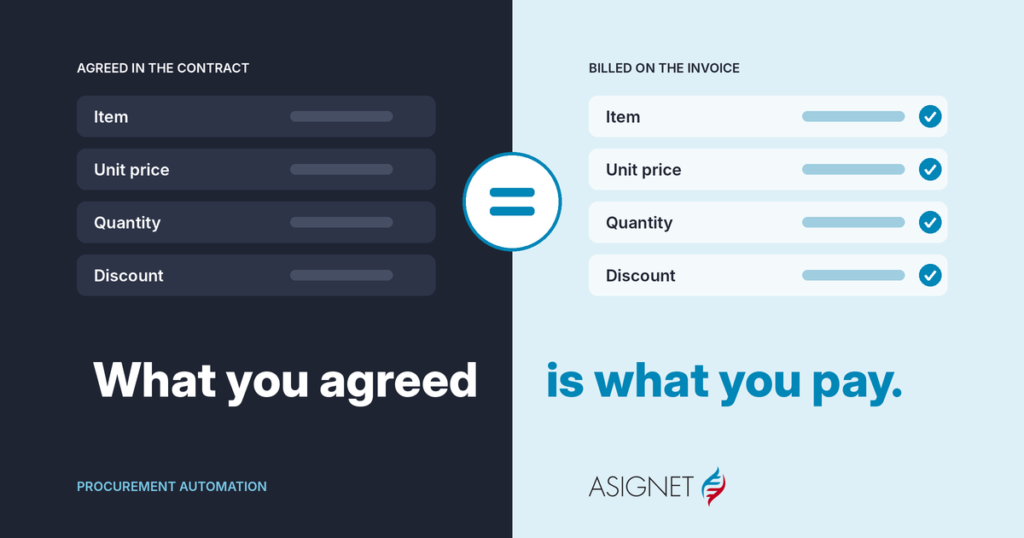
6. Check every invoice against the inventory. If the bill includes a line, a license or a device that isn't in your inventory, one of them is wrong. Checking every line, not just the total, is how you find out which. Asignet's invoice validation does this for every invoice.
7. Reclaim before you buy. Before ordering a new laptop or license, check whether one is sitting unused. Reassigning is always cheaper than buying.
Keep it current
8. Track end-of-support dates. Know when each critical asset stops getting security updates, and plan the replacement quarters ahead, not the week it fails.
9. Review usage before every renewal. Licenses and subscriptions renew on their own; your decision shouldn't. Check who actually uses them, and cut or downgrade the rest. SaaS management makes this a monthly habit instead of a yearly scramble.
10. Retire assets completely. Wiping the data and recycling the device is half the job. The other half is cancelling the line, the license and the support contract, so the bill stops when the asset does.
A quick self-check
If you can answer yes to these five questions, your IT asset best management practices are in good shape:
| Question | Practices behind it |
|---|---|
| Can you list every asset, with its owner, in one place? | 1, 2, 3 |
| Does a leaver's equipment come back, and their lines and licenses stop, within a week? | 4, 10 |
| Do you know what each asset costs and when its contract renews? | 5, 9 |
| Is every invoice checked line by line before it's paid? | 6 |
| Do you know which critical assets reach end of support in the next year? | 8 |
Each "no" is a good place to start.
How Asignet helps
Asignet's Technology Lifecycle service puts these practices into one place: a single inventory for devices, software, SaaS, cloud and telecom, each asset tied to a person, a cost center and a contract, from the first order to retirement.
- Smarter Automation handles onboarding, offboarding and provisioning, and checks for unused assets before anything new is bought.
- Invoice validation checks every bill against your inventory and contracts.
- SaaS management matches licenses to real use before they renew.
Pick one practice and start this month. If you'd like help with the first one, get in touch.
Frequently asked questions
What are IT asset management best practices?
The habits that keep IT assets known, correctly paid for and current: one inventory, automated discovery, an owner per asset, links to HR events, contracts tied to assets, invoice checks, reclaiming before buying, end-of-support tracking, usage reviews before renewal and complete retirement.
What is the most important IT asset management best practice?
Keeping one accurate inventory. Every other practice depends on knowing what you have, who uses it and what it costs.
How often should you review IT assets?
Check invoices every month, review license and subscription usage before every renewal, and review critical assets and end-of-support dates every quarter.
What is the first step to improve IT asset management?
Pick the practice where you'd answer "no" in the self-check, start with one category of assets, and expand from there.